Auto-apply that ends on an interview. ATS scoring, per-role resumes, cover letters, interview prep.
Quick Install
Automated & IDE SetupCopy the AI prompt to install this server into Claude Code, Cursor, or another agent — or use 1-click editor setup below.
Not yet automatically verified
We haven't yet run this listing's install command through our automated sandbox check. This isn't a red flag — we're steadily working through the catalog.
Manual Client & Custom JSON ConfigExpand JSON ▾
Client Config & Setup
Choose your client or environment
Target File:
💡 Paste the JSON block into your client's configuration file under mcpServers, then restart the application.
Documentation Overview

AI Applyd MCP Server
Auto-Apply That Ends on an Interview
Stop applying. Start interviewing.
Score your resume the way the screening software scores it, rewrite it for the exact role, write the cover letter, prepare for the interview, and send the application in on the employer's own hiring system. All from inside the assistant you already work in.
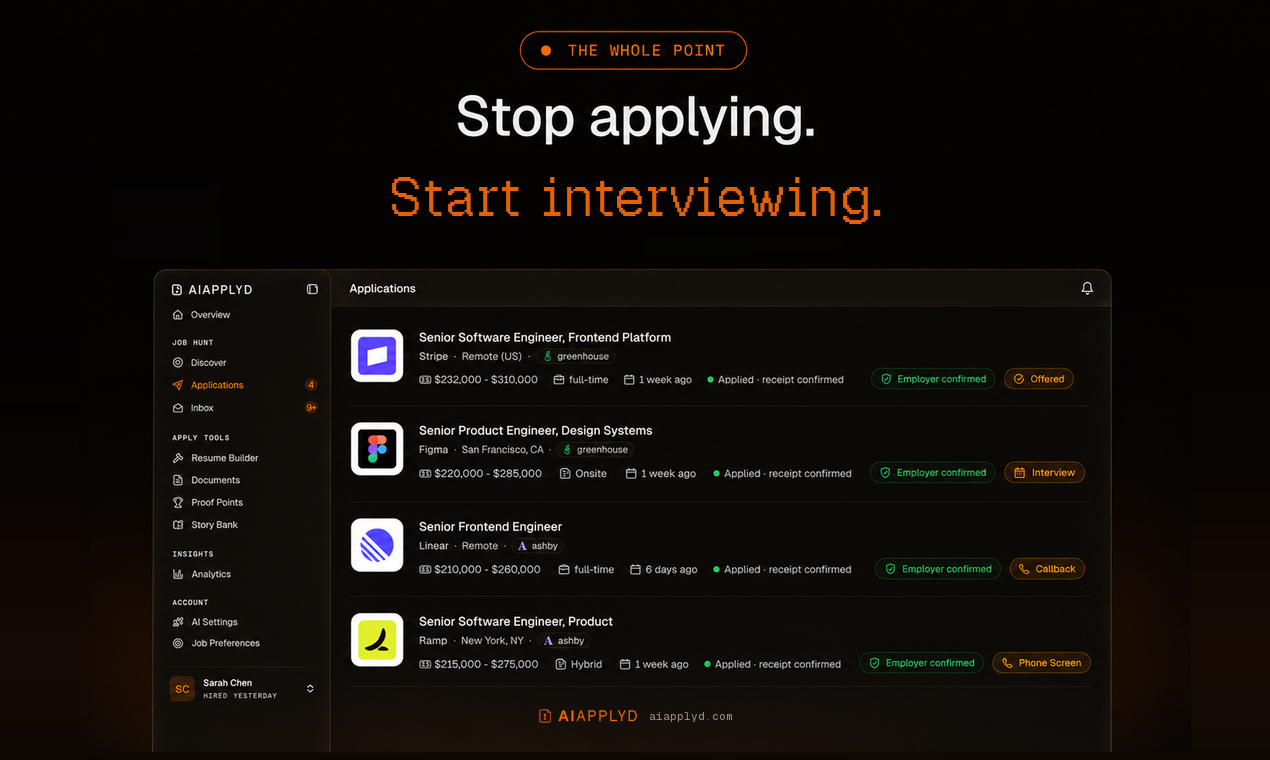
And it keeps the employer's own confirmation. Most tools count applications sent, which is a number the tool awards itself off its own button click. This one reports what the employer's system actually returned, so a real rejection is distinguishable from a form that quietly dropped your application.






Listing page · Website · Privacy · Terms
Most applicants are screened out by software before a person reads a word, and a good number are never screened at all, because the form silently dropped a required field or the upload never attached. From the candidate's side those look identical to rejection, which is why so many people rewrite a CV nobody ever read.
This server puts both halves of that process in your hands: the screening, and the proof that the application arrived.
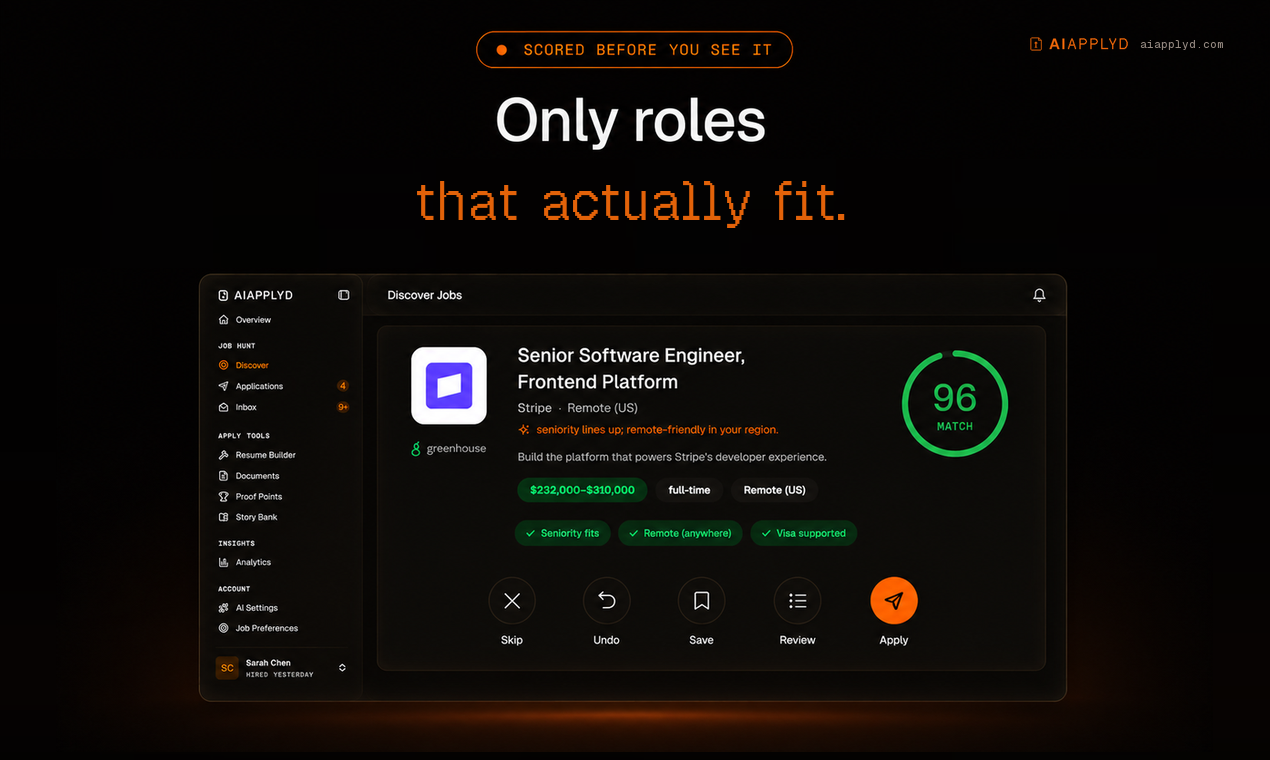
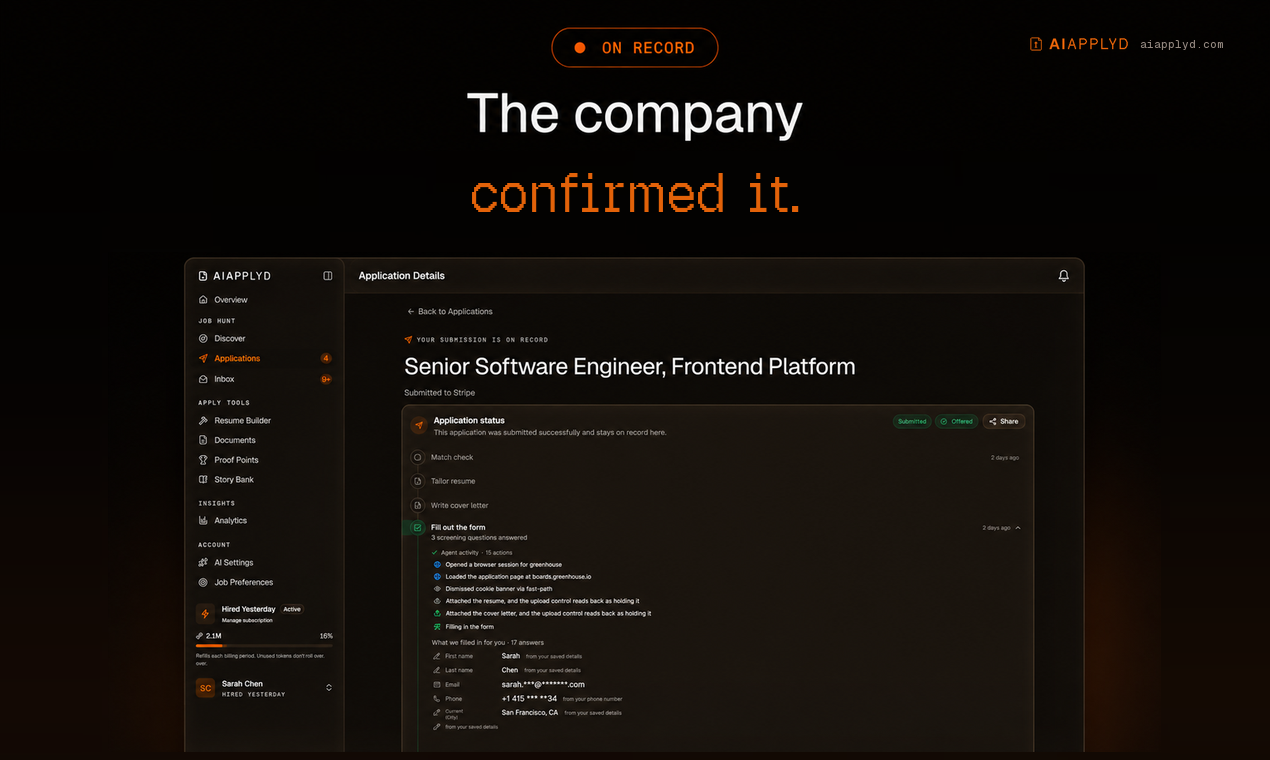
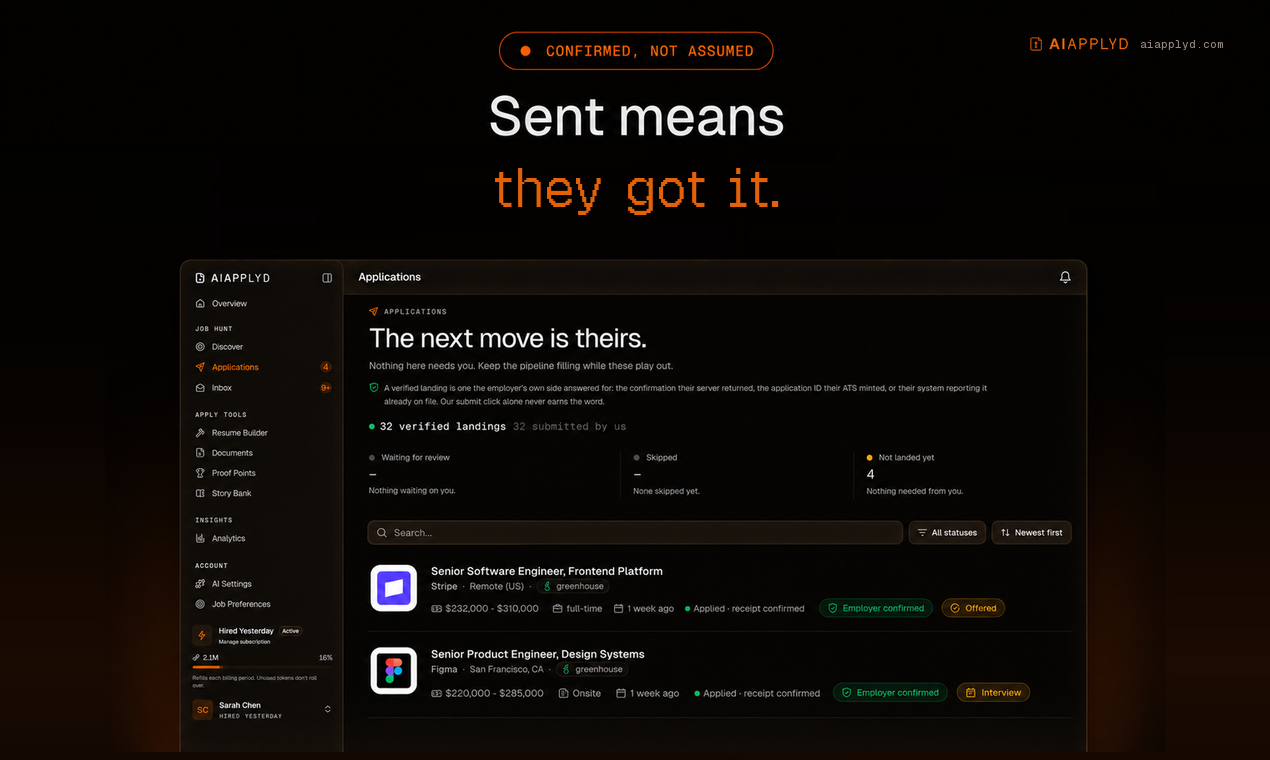
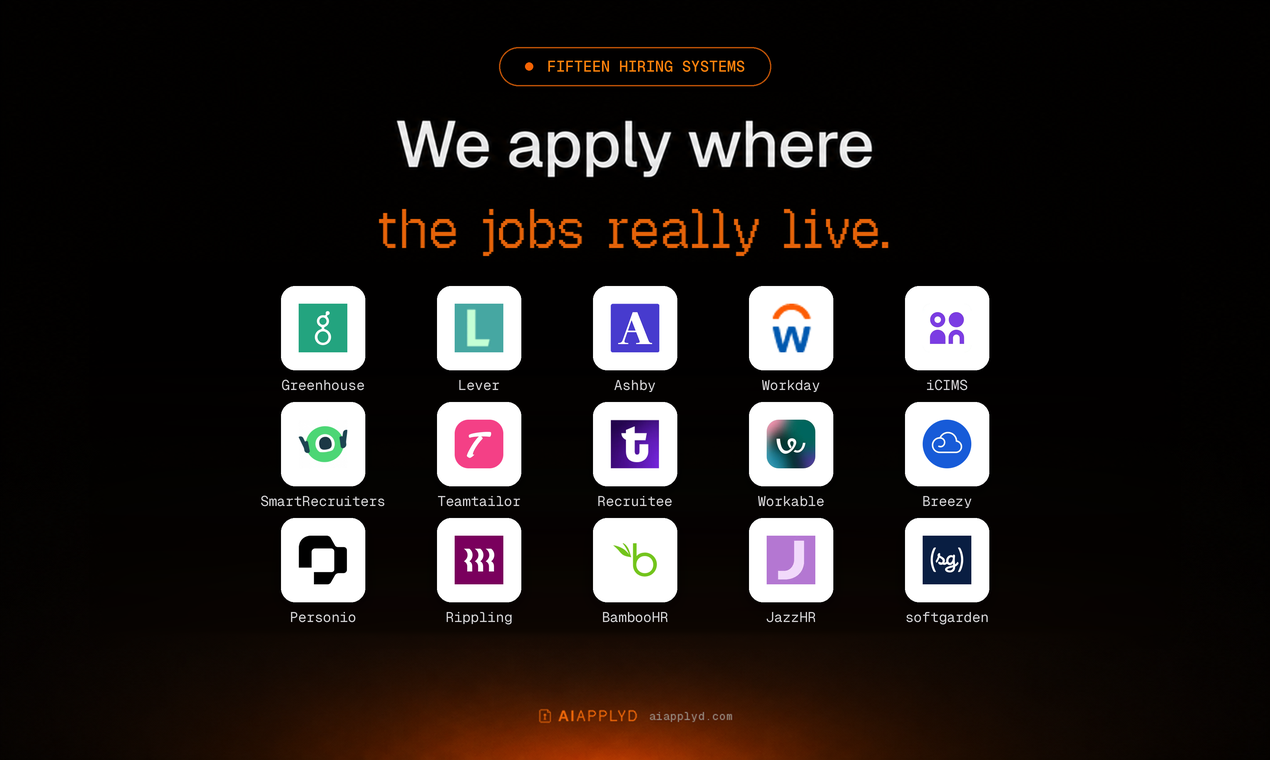
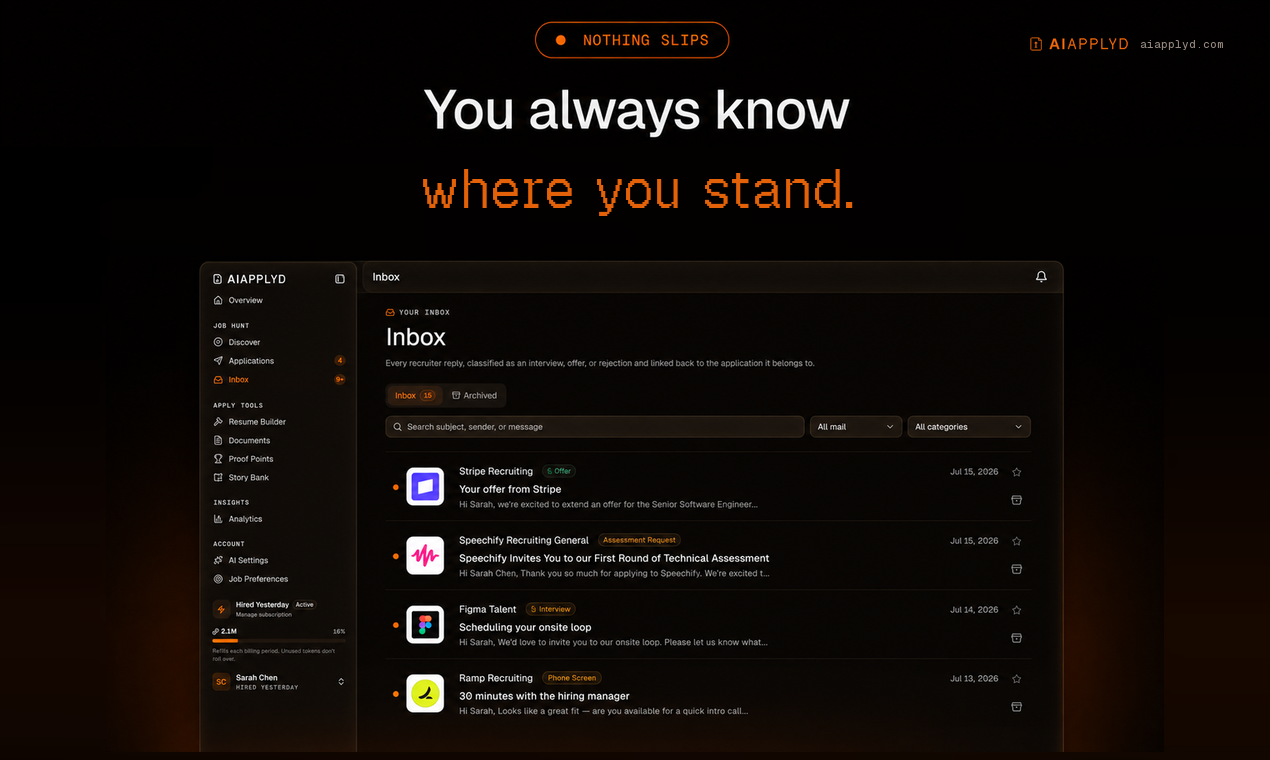
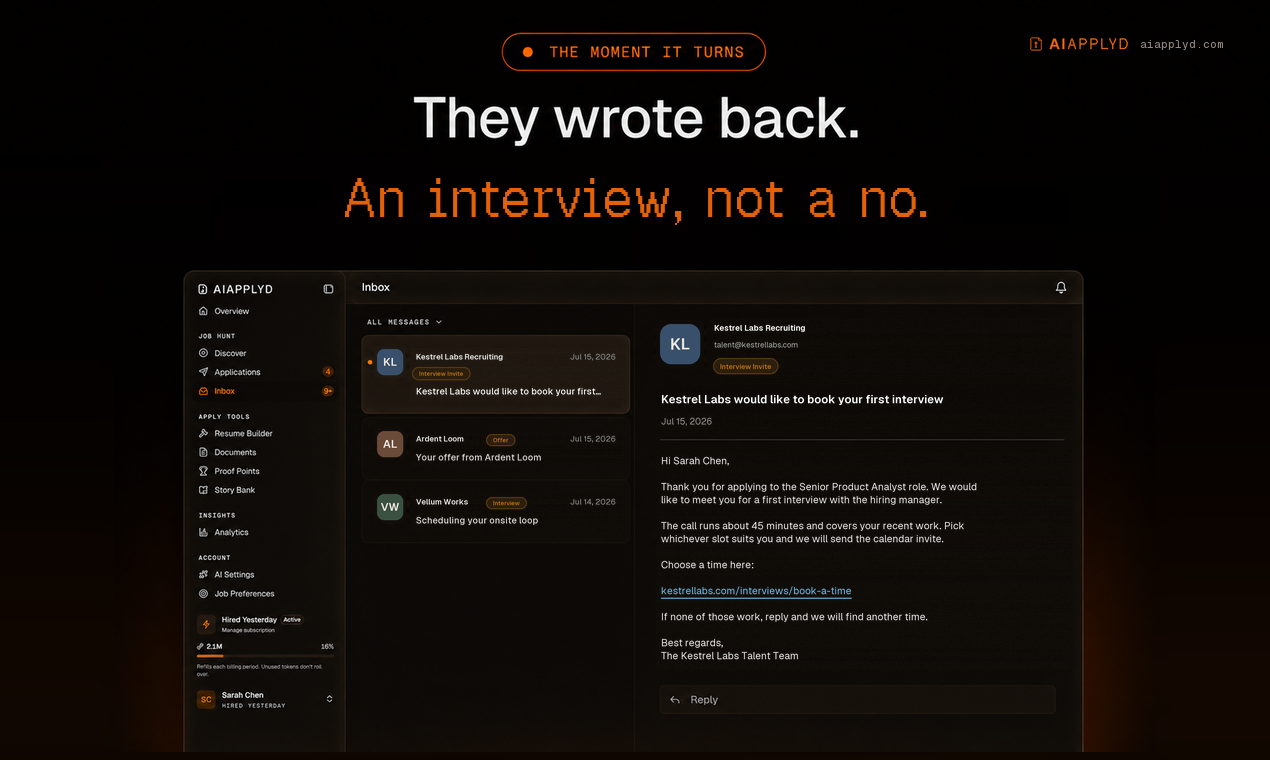
From the first match to the interview invite. Every application carries the employer's own confirmation.
Every application goes in on the company's real careers page, under your name, with your own materials. It lands on all fifteen major ATS platforms: Workday, Greenhouse, Lever, Ashby, Workable, iCIMS, Personio, Recruitee, Teamtailor, Rippling, Breezy, SmartRecruiters, BambooHR, JazzHR and softgarden.
Nothing to install. Connect once and run it from Claude, ChatGPT, Codex, Cursor, Gemini CLI, VS Code or any MCP client, and from your phone over iMessage through Poke.
The whole job search in five calls: see your matches (aiapplyd_get_matches), apply to one
(aiapplyd_apply, sent automatically or held for your yes), approve or reject what is waiting
(aiapplyd_review_application), track every application to the employer's own receipt
(aiapplyd_get_applications), and check your plan and what is left (aiapplyd_get_account).
The full list is under Tools.
Watch the demo
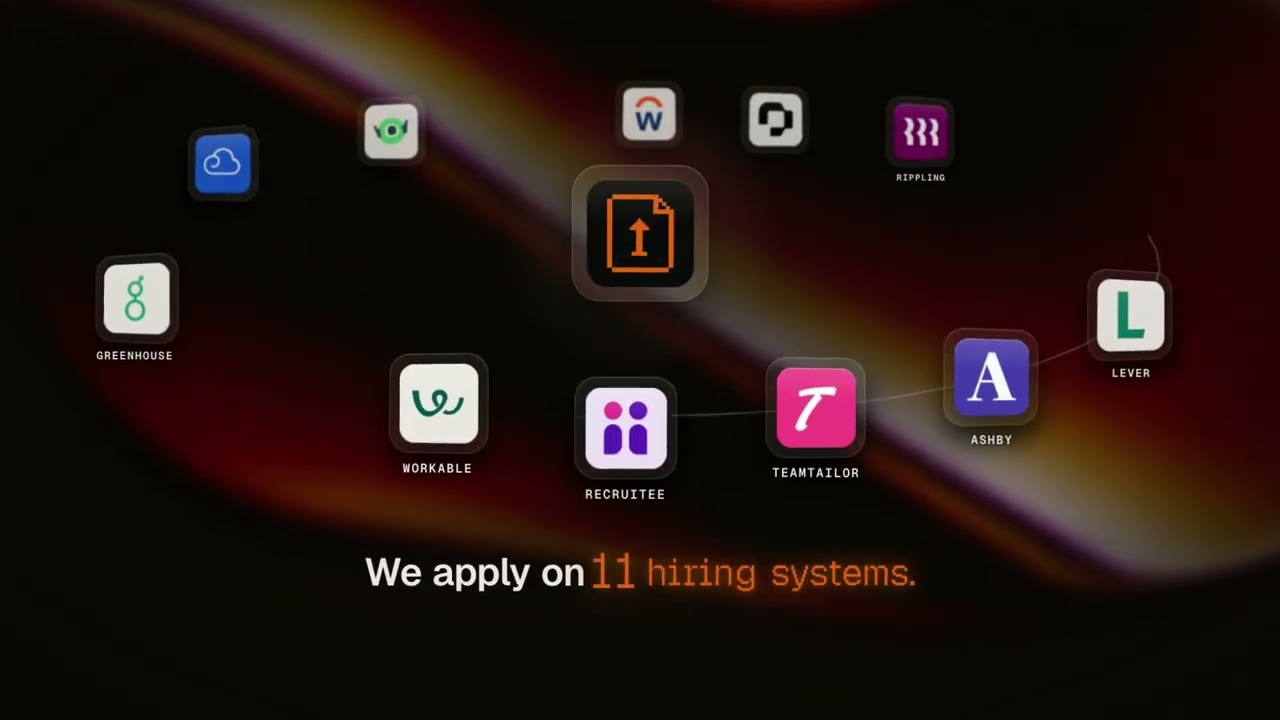
90 seconds: resume upload, job matching, a real application sent on the employer's own form, the employer's confirmation email, interview prep, and applying from ChatGPT, Claude and Cursor.
Quick start
One click, if your app supports it:



AI Applyd is a hosted remote MCP server. Point your client at one URL:
The first tool call opens an OAuth sign-in. Sign in with Google, and you are connected. A free account needs no card and arrives with a one-time 10,000-token starter grant.
Claude (web, Desktop, Code)
Settings → Connectors → Add custom connector
| Field | Value |
|---|---|
| Name | AI Applyd |
| Remote MCP server URL | https://mcp.aiapplyd.com/mcp |
In Claude Code, one line does it:
Cursor
~/.cursor/mcp.json:
ChatGPT
Settings → Connectors → Create and paste https://mcp.aiapplyd.com/mcp. ChatGPT speaks MCP
natively, so there is no Action schema to import and nothing to host.
VS Code
Plugin for Codex, ChatGPT, Claude Code and Cursor
This repository is a plugin marketplace. The aiapplyd plugin bundles the MCP server with five
skills, in the portable plugin.json format that Codex, ChatGPT, Claude Code and Cursor read:
| Skill | Use it when |
|---|---|
find-matching-jobs | You want your job matches, want to save or skip one, or want to change what it looks for |
apply-to-a-job | You want to apply, or you paste a job link and say "apply" |
review-and-send | You want to see what is waiting for you, change it, and send it |
tailor-for-a-job | You paste a job description and want the resume, cover letter or interview prep for it |
track-applications | You ask "did it go through", or how many applications you have left |
The same five skills are published for any agent at
aiapplyd.com/.well-known/agent-skills/index.json,
and the copies here are byte-identical to those (each file matches the sha256 digest in that index).
Codex:
Claude Code:
Codex (CLI, IDE extension and the ChatGPT desktop app)
The Codex CLI, the IDE extension and the ChatGPT desktop app share this configuration.
Gemini CLI
This repository is also a Gemini CLI extension (gemini-extension.json plus GEMINI.md):
Or add the server by hand in ~/.gemini/settings.json:
Zed
Settings → AI → MCP Servers → Add Remote Server, then paste https://mcp.aiapplyd.com/mcp.
Windsurf
~/.codeium/windsurf/mcp_config.json:
Perplexity, Mistral Le Chat and Raycast
Each has a custom connector screen that takes a remote MCP URL. Paste
https://mcp.aiapplyd.com/mcp and choose OAuth.
From your phone: iMessage, Telegram and WhatsApp
- iMessage / SMS: add AI Applyd to Poke in one tap
(or
npx poke@latest mcp add https://mcp.aiapplyd.com/mcp -n "AI Applyd"), sign in, then text Poke: "find me remote product designer jobs and apply to the best two". - Telegram, WhatsApp or iMessage on your own server: OpenClaw is a self-hosted gateway. Add the URL as an MCP server and enable the channel you use.
Any client that only speaks stdio
This repository ships a thin bridge. It relays the protocol to the hosted server and adds nothing of its own.
Or with Docker:
Related MCP Servers
Reviews
No reviews yet — be the first to share how this listing worked for you.
Frequently Asked Questions about AI Applyd
AllMCPs Directory Badge
Showcase your server listing on GitHub or your project documentation. Embed this dynamic SVG badge to highlight official listing status and live engagement.
Badge Style:
Live Dynamic SVG Preview
Markdown (GitHub README)
[](https://allmcps.com/mcp/ai-applyd-3)HTML Embed
<a href="https://allmcps.com/mcp/ai-applyd-3"><img src="https://allmcps.com/api/badge/ai-applyd-3?style=directory" alt="AI Applyd on AllMCPs" /></a>