# pfillion42/memviz [Health: Active]
**Category:** 🧠 Knowledge & Memory
**Repository:** https://github.com/pfillion42/memviz
**GitHub Stars:** 1
**Views:** 1
**Installs:** 0
**Upvotes:** 0
**Directory Page:** https://allmcps.com/mcp/pfillion42-memviz
## Description
Visual explorer for MCP Memory Service SQLite-vec databases. Browse, search, filter, edit memories with dashboard, timeline, UMAP projection, semantic clustering, duplicate detection, and association graph.
## Claude Desktop Quick Installation
Heuristic fallback — verify the package name and runner against the repository README before running it. Uses `npx` (confidence: low):
```json
"mcpServers": {
"memviz": {
"command": "npx",
"args": ["-y","pfillion42-memviz"]
}
}
```
## Documentation & README

memviz
A local vector memory explorer with a modern UI inspired by Supabase and Pinecone.
Browse, search, visualize and manage the SQLite-vec database created by
MCP Memory Service.


---
## A quick note
I'm a sysadmin by trade, not a developer. My coding background is some C++ from many years ago. I built memviz entirely through **vibe coding** with Claude Code as a way to test AI-assisted development workflows. The whole thing was built in about two days.
It works, it has 349 tests, and I use it daily. But the code reflects the fact that an AI wrote most of it while I steered. If you spot rough edges, odd patterns, or things that could be done better, I'd genuinely appreciate the feedback. PRs and issues are very welcome.
---
## Features
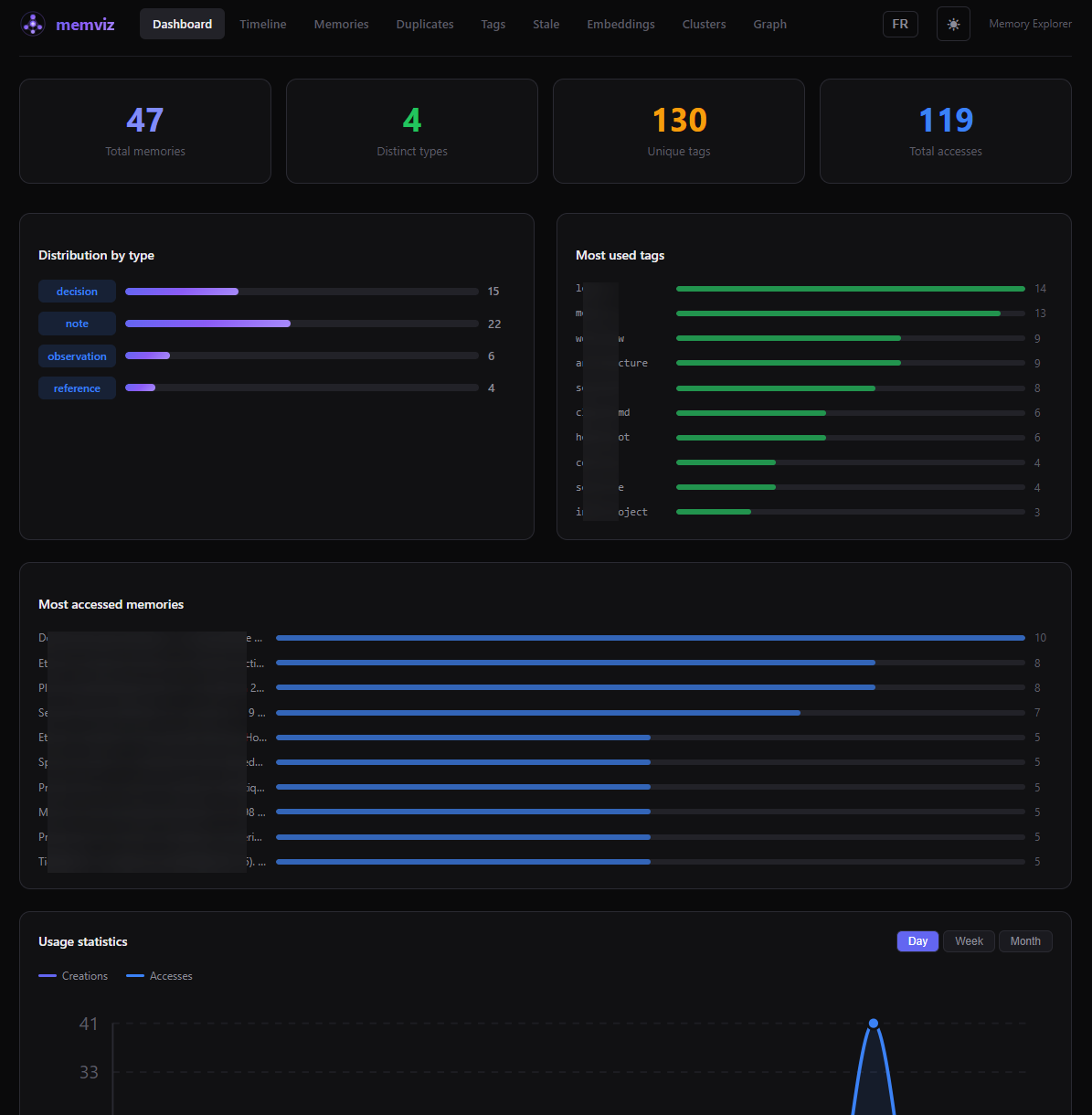
- **Dashboard** - Overview with stats, top accessed memories, and usage charts (day/week/month)
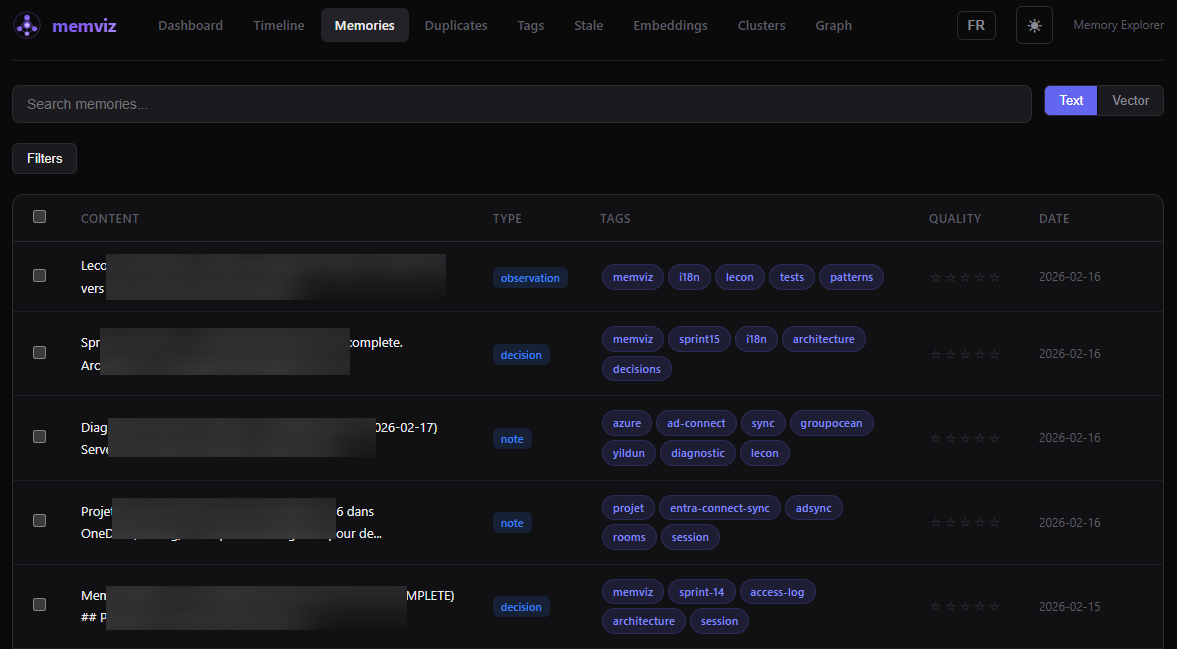
- **Memory list** - Browse, filter (type, tags, date, quality), full-text search, and vector similarity search
- **Memory detail** - View and edit content, metadata, tags, and quality rating
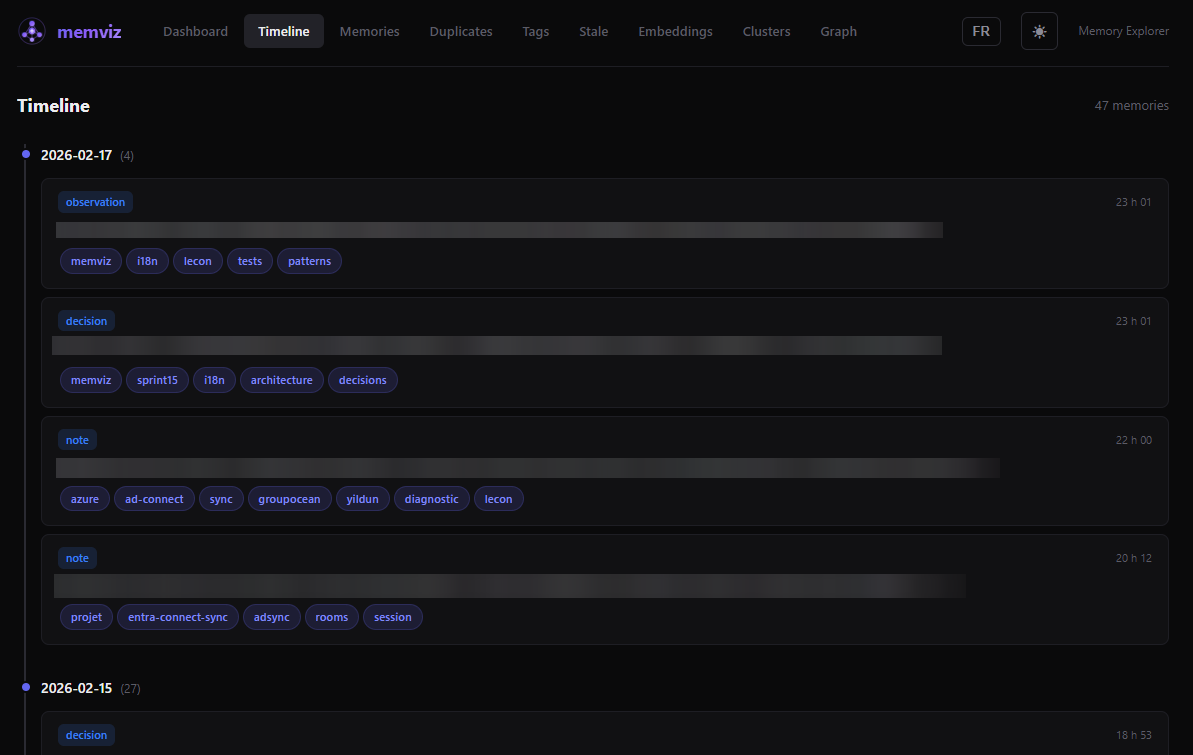
- **Timeline** - Chronological view grouped by day with type badges
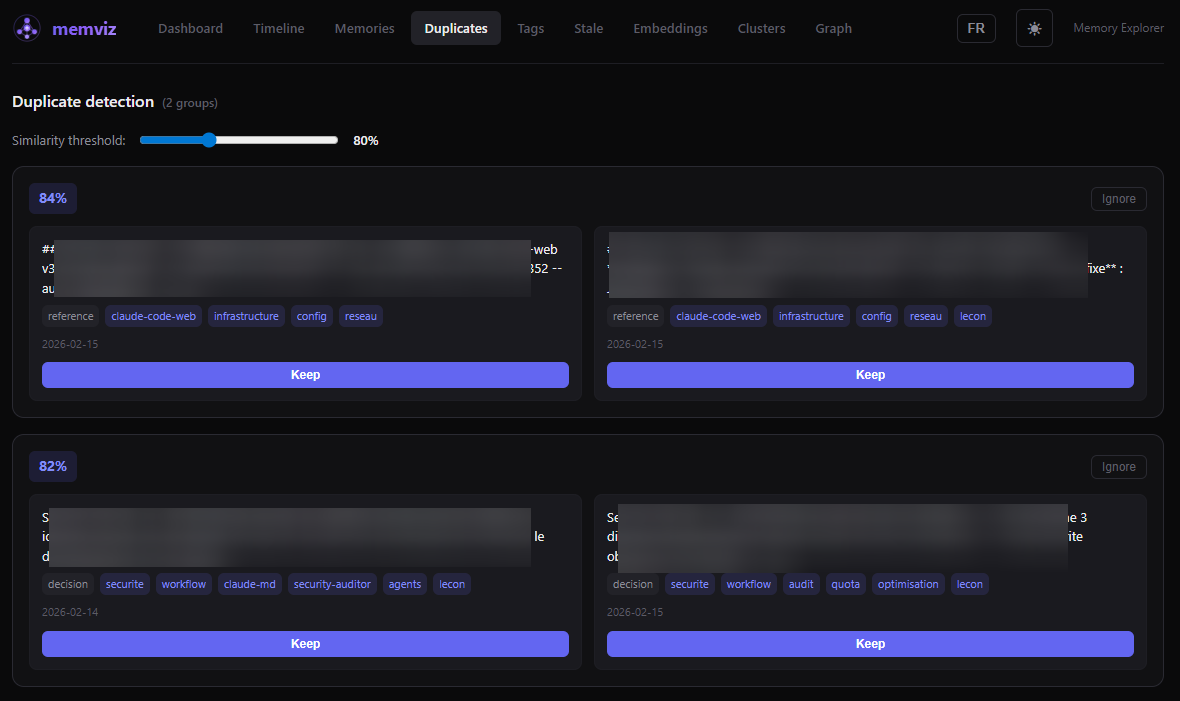
- **Duplicates** - Detect near-duplicate memories using vector similarity with adjustable threshold
- **Tags management** - Rename, delete, and merge tags across all memories
- **Stale memories** - Find old, low-quality memories to clean up
- **2D embedding projection** - UMAP scatter plot of your entire memory space with interactive zoom/pan
- **Semantic clustering** - Automatic grouping by vector proximity with cluster visualization
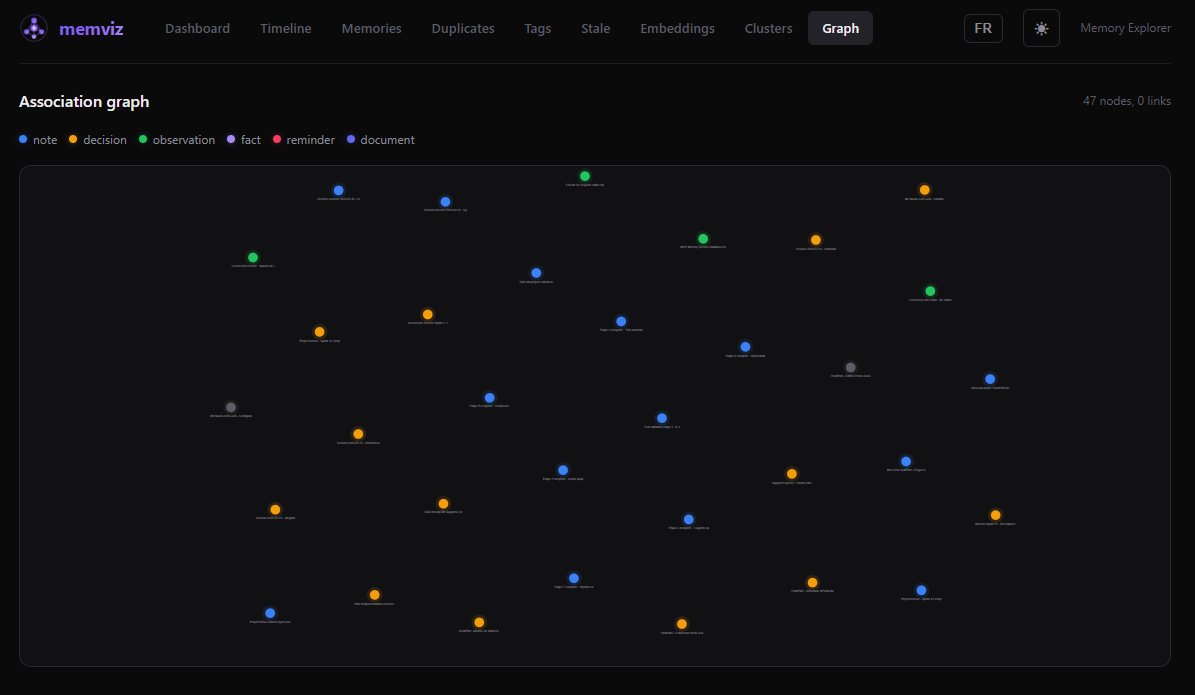
- **Association graph** - Force-directed graph of memory relationships
- **Bulk operations** - Select multiple memories for batch delete, tag, or retype
- **Import / Export** - JSON import and export of memories
- **Dark / Light theme** - Toggle with system preference detection
- **EN / FR language toggle** - Full interface translation with localStorage persistence
- **Keyboard shortcuts** - `j`/`k` navigation, `/` search, `?` help, and more
- **Security** - Helmet headers, rate limiting, optional API token, Zod validation, localhost-only binding
## Screenshots
Memories - Browse, search, filter, and manage
Timeline - Chronological view grouped by day
Duplicates - Detect near-duplicates by vector similarity
Graph - Association graph with type-colored nodes
## Prerequisites
- **Node.js** 20 or later
- A **SQLite-vec database** created by [MCP Memory Service](https://github.com/doobidoo/mcp-memory-service). This is the database memviz reads from. If you use Claude Code or Claude Desktop with the memory MCP server, you already have one.
## Quick start
```bash
# Clone the repo
git clone https://github.com/pfillion42/memviz.git
cd memviz
# Backend
cd server
npm install
cp .env.example .env
# Edit .env and set MEMORY_DB_PATH to your SQLite-vec database path
npm run dev
# Frontend (in another terminal)
cd client
npm install
npm run dev
```
Open [http://localhost:5173](http://localhost:5173) in your browser.
### Windows desktop shortcut (optional)
The repo includes PowerShell launcher scripts and an `.ico` icon file for a one-click desktop experience on Windows:
```powershell
# Start both servers (minimized) + open browser
.\start-memviz.bat
# Stop both servers
.\stop-memviz.bat
```
To create a desktop shortcut: right-click on `start-memviz.bat` > **Send to** > **Desktop (create shortcut)**, then change the icon to `memviz.ico` from the repo root.
The start script detects if servers are already running, waits for health checks (60s timeout), and opens your browser automatically.
## Configuration
All configuration is done through environment variables in `server/.env`:
| Variable | Required | Default | Description |
|----------|----------|---------|-------------|
| `MEMORY_DB_PATH` | Yes | - | Path to the SQLite-vec database from MCP Memory Service |
| `MEMORY_DB_READONLY` | No | `true` | Open database in read-only mode (`false` to enable editing) |
| `CORS_ORIGINS` | No | `http://localhost:5173` | Comma-separated allowed origins |
| `ACCESS_LOG_DB_PATH` | No | Derived from `MEMORY_DB_PATH` | Path for the access log database (writable) |
| `API_TOKEN` | No | - | If set, requires `Authorization: Bearer ` on all API requests |
| `HOST` | No | `127.0.0.1` | Listen address (localhost only by default) |
## Architecture
```
memviz/
├── server/ # Express + TypeScript API
│ ├── src/
│ │ ├── routes/ # REST endpoints under /api/
│ │ ├── middleware/
│ │ └── index.ts
│ └── tests/ # Vitest (213 tests)
├── client/ # React + Vite + TypeScript
│ ├── src/
│ │ ├── pages/ # 10 pages
│ │ ├── components/ # 11 reusable components
│ │ ├── hooks/ # Custom React Query hooks
│ │ └── App.tsx
│ └── tests/ # Vitest + Testing Library (136 tests)
└── .github/workflows/ # CI: lint, typecheck, test, build
```
**Stack**: Express, better-sqlite3, sqlite-vec, umap-js, Zod | React 18, React Query, React Router, react-force-graph-2d, Vite, Vitest
## Tests
```bash
# Run all backend tests
cd server && npm test
# Run all frontend tests
cd client && npm test
# Watch mode
cd server && npm run test:watch
cd client && npm run test:watch
```
349 tests total (213 server + 136 client).
## Security
- Binds to `127.0.0.1` by default (not exposed to the network)
- CORS restricted to configured origins
- Helmet HTTP security headers
- Rate limiting (100 requests / 15 min)
- Optional Bearer token authentication
- Zod schema validation on all write endpoints
- FTS5 query sanitization and LIKE pattern escaping
- JSON body size limit (5 MB)
## Keyboard shortcuts
| Key | Action |
|-----|--------|
| `j` / `k` | Navigate down / up in lists |
| `/` | Focus search bar |
| `Enter` | Open selected memory |
| `Escape` | Close modal / clear selection |
| `?` | Show keyboard shortcuts help |
## Troubleshooting
### `EACCES: permission denied` on port 3001 or 5173 (Windows)
On Windows with Hyper-V or WSL enabled, the OS dynamically reserves port ranges for internal use. If memviz ports fall within these ranges, Node.js will fail with `EACCES: permission denied`.
**Diagnose** — check if your ports are in a reserved range:
```powershell
netsh interface ipv4 show excludedportrange protocol=tcp
```
If port 3001 or 5173 appears inside one of the listed ranges, that's the issue.
**Fix** — permanently reserve the ports for your use (run as Administrator, one-time):
```powershell
net stop winnat
netsh int ipv4 add excludedportrange protocol=tcp startport=3001 numberofports=2
netsh int ipv4 add excludedportrange protocol=tcp startport=5173 numberofports=1
net start winnat
```
After this, Hyper-V will never reclaim these ports. The reservation persists across reboots.
**Verify** — run the diagnostic command again. Your ports should now appear with a `*` (administered exclusion):
```
3001 3002 *
5173 5173 *
```
## Acknowledgments
memviz exists because of [MCP Memory Service](https://github.com/doobidoo/mcp-memory-service) by doobidoo, which creates and manages the SQLite-vec database that memviz explores. Huge thanks for building it.
Built with [umap-js](https://github.com/PAIR-code/umap-js), [sqlite-vec](https://github.com/asg017/sqlite-vec), [React](https://react.dev), [Express](https://expressjs.com), [Vite](https://vite.dev), [React Query](https://tanstack.com/query), [react-force-graph-2d](https://github.com/vasturiano/react-force-graph-2d), and [Vitest](https://vitest.dev).
## Contributing
See [CONTRIBUTING.md](https://github.com/pfillion42/memviz/blob/HEAD/CONTRIBUTING.md) for guidelines.
## License
[MIT](https://github.com/pfillion42/memviz/blob/HEAD/LICENSE)