# mcp-server [Health: Active]

**Category:** 🧠 Knowledge & Memory  
**Repository:** https://github.com/BingoWon/apple-rag-mcp  
**GitHub Stars:** 115  
**npm Downloads (last month):** 1232  
**Views:** 0  
**Installs:** 0  
**Upvotes:** 0  
**Directory Page:** https://allmcps.com/mcp/mcp-server-19

## Description
Apple Developer Documentation with Semantic Search, RAG, and AI reranking for MCP clients

## Claude Desktop Quick Installation
Remote MCP endpoint (confidence: high). Install path detected from listing signals. Add as a URL/SSE server in your client:

```json
"mcpServers": {
  "mcp-server": {
    "url": "https://apple-rag.com/logo-with-text.svg"
  }
}
```

## Documentation & README

<div align="center">

<img src="https://apple-rag.com/logo-with-text.svg" alt="Apple RAG MCP" width="400">

### The Apple docs MCP your AI actually deserves.

*Apple docs. WWDC26 transcripts. Semantic + keyword + hybrid search. One clean tool.*
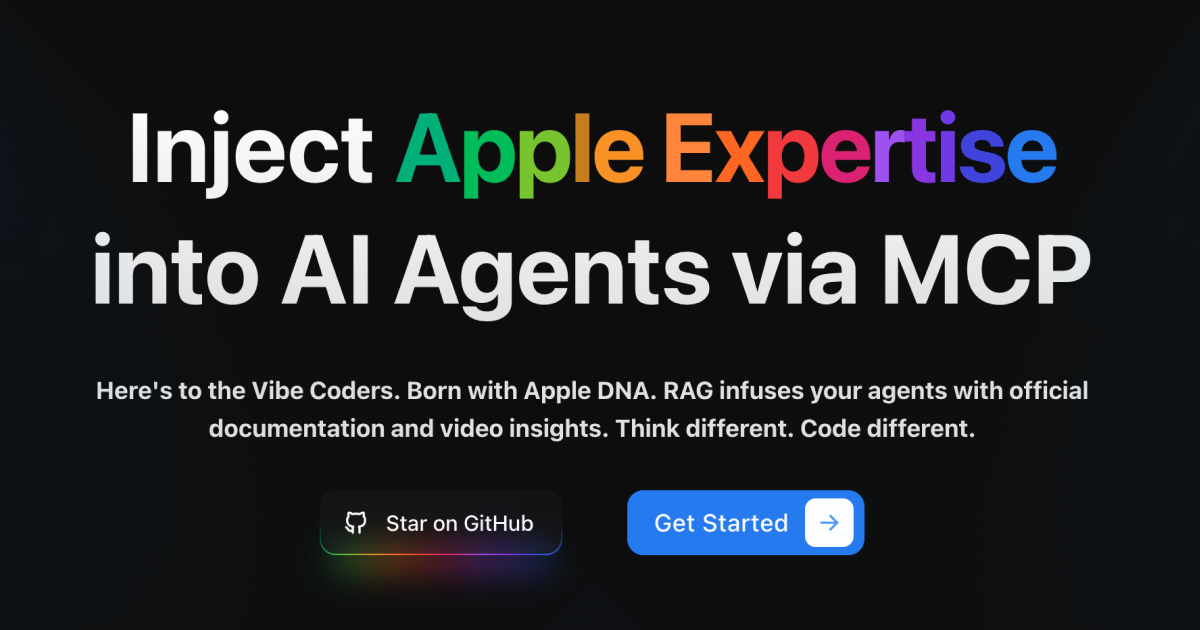
<a href="https://apple-rag.com"><img src="https://apple-rag.com/og-image.png" alt="Apple RAG MCP — apple-rag.com" width="800"></a>

[![Install MCP Server](https://cursor.com/deeplink/mcp-install-light.svg)](https://cursor.com/en/install-mcp?name=apple-rag-mcp&config=eyJ1cmwiOiJodHRwczovL21jcC5hcHBsZS1yYWcuY29tIn0%3D)

[![Install in VS Code](https://img.shields.io/badge/VS_Code-Apple_RAG_MCP-0098FF?style=flat&logo=visualstudiocode&logoColor=ffffff)](vscode:mcp/install?%7B%22name%22%3A%22apple-rag-mcp%22%2C%22type%22%3A%22http%22%2C%22url%22%3A%22https%3A%2F%2Fmcp.apple-rag.com%22%7D) [![Install in VS Code Insiders](https://img.shields.io/badge/VS_Code_Insiders-Apple_RAG_MCP-24bfa5?style=flat&logo=visualstudiocode&logoColor=ffffff)](vscode-insiders:mcp/install?%7B%22name%22%3A%22apple-rag-mcp%22%2C%22type%22%3A%22http%22%2C%22url%22%3A%22https%3A%2F%2Fmcp.apple-rag.com%22%7D)


[🌐 Website](https://apple-rag.com) • [📊 Dashboard](https://apple-rag.com/overview)

[![CI](https://github.com/BingoWon/apple-rag-mcp/actions/workflows/ci.yml/badge.svg)](https://github.com/BingoWon/apple-rag-mcp/actions/workflows/ci.yml) [![License: MIT](https://img.shields.io/badge/License-MIT-yellow.svg)](LICENSE)

**English** | [中文](./README.zh-CN.md)

</div>

---

## Not Just Another Docs Tool

Others give you keyword search. We give you that, plus semantic understanding, plus AI-powered hybrid search that combines both intelligently. Every search mode you need, working together.

**Minimal footprint. Maximum signal.** Our MCP tools are designed to be lean—no bloated responses, no wasted tokens, no noise cluttering your agent's context. Just the information that matters.

---

## Start in Seconds

**One click:**

[![Install MCP Server](https://cursor.com/deeplink/mcp-install-light.svg)](https://cursor.com/en/install-mcp?name=apple-rag-mcp&config=eyJ1cmwiOiJodHRwczovL21jcC5hcHBsZS1yYWcuY29tIn0%3D)

[![Install in VS Code](https://img.shields.io/badge/VS_Code-Apple_RAG_MCP-0098FF?style=flat&logo=visualstudiocode&logoColor=ffffff)](vscode:mcp/install?%7B%22name%22%3A%22apple-rag-mcp%22%2C%22type%22%3A%22http%22%2C%22url%22%3A%22https%3A%2F%2Fmcp.apple-rag.com%22%7D) [![Install in VS Code Insiders](https://img.shields.io/badge/VS_Code_Insiders-Apple_RAG_MCP-24bfa5?style=flat&logo=visualstudiocode&logoColor=ffffff)](vscode-insiders:mcp/install?%7B%22name%22%3A%22apple-rag-mcp%22%2C%22type%22%3A%22http%22%2C%22url%22%3A%22https%3A%2F%2Fmcp.apple-rag.com%22%7D)


Click the button above and your editor will automatically configure everything for you in seconds.

### Option 2: Manual Setup for Other MCP Clients

**JSON Configuration (Copy & Paste):**
```json
{
  "mcpServers": {
    "apple-rag-mcp": {
      "url": "https://mcp.apple-rag.com"
    }
  }
}
```

**Manual Configuration Parameters:**
- **MCP Type:** `Streamable HTTP`
- **URL:** `https://mcp.apple-rag.com`
- **Protocol:** `2026-07-28` with automatic compatibility for 2025 clients
- **Authentication:** `Optional` (MCP Token for higher limits)
- **MCP Token:** Get yours at [apple-rag.com](https://apple-rag.com) for increased quota

**Supported Clients:** Cursor, Claude Desktop, Cline, and all MCP-compatible tools.

> **Note:** No MCP Token required to start! You get free queries without any authentication. Add an MCP Token later for higher usage limits.

## 🌟 Why Developers Love Apple RAG MCP

<table>
<tr>
<td width="50%">

### ⚡ **Fast & Reliable**
Get quick responses with our optimized search infrastructure. No more hunting through docs.

### 🎯 **AI-Powered Hybrid Search**
Advanced search technology combining Semantic Search for RAG, Keyword Search, and Hybrid Search with vector similarity and technical term matching provides accurate, contextual answers from Apple's documentation.

### 🔒 **Always Secure**
MCP authentication ensures trusted access for your AI agents with enterprise-grade security.

</td>
<td width="50%">

### 📝 **Code Examples**
Get practical code examples in Swift, Objective-C, and SwiftUI alongside documentation references.

### 🔄 **Real-time Updates**
Our documentation index is continuously updated for WWDC26, Xcode 27 beta, and the latest Apple developer resources.

### 🆓 **Completely Free**
Start immediately with no MCP Token required. Get an MCP Token for higher usage limits - all managed at [apple-rag.com](https://apple-rag.com).

</td>
</tr>
</table>

## 🎯 Features

- **🔍 Semantic Search for RAG** - Vector similarity with semantic understanding for intelligent retrieval
- **🔎 Keyword Search** - Precise technical term matching for API names and specific terminology
- **🎯 Hybrid Search** - Combined semantic and keyword search with AI reranking for optimal results
- **📚 Complete Coverage** - iOS 27, iPadOS 27, macOS 27, watchOS 27, tvOS 27, and visionOS 27 documentation
- **🎬 WWDC26 Videos** - Full transcripts from Apple Developer videos and WWDC26 sessions
- **⚡ Fast Response** - Optimized for speed across all content types
- **🚀 High Performance** - Multi-instance cluster deployment for maximum throughput
- **🔄 Always Current** - Synced with Apple's latest docs, WWDC26 sessions, and Xcode 27 beta references
- **🛡️ Secure & Private** - Your queries stay private
- **🌐 MCP 2026 Ready** - Stateless MCP `2026-07-28` with automatic compatibility for 2025 clients

## 🧠 Agent Skill

We provide an [Agent Skill](skills/apple-dev-docs/SKILL.md) that teaches AI agents how to use this MCP server effectively — including query best practices, search-then-fetch workflow, result completeness handling, and rate limit guidance.

**Install:** Copy the `skills/apple-dev-docs/` directory to your agent's skill location:

| Platform | Destination |
|----------|-------------|
| Cursor | `~/.cursor/skills/apple-dev-docs/` |
| Codex | `~/.codex/skills/apple-dev-docs/` |

Once installed, your AI agent will automatically know when and how to use Apple RAG MCP for Apple development questions.

## 📄 License

This project is licensed under the [MIT License](LICENSE).

<div align="center">

---

**Better docs. Better context. Better code.**

[Get Started →](https://apple-rag.com)

</div>