# legalithm-mcp-server [Health: Active]
**Category:** 💻 Developer Tools
**Repository:** https://github.com/legalithm-org/legalithm
**GitHub Stars:** 0
**npm Downloads (last month):** 435
**Views:** 0
**Installs:** 0
**Upvotes:** 0
**Directory Page:** https://allmcps.com/mcp/legalithm-mcp-server
## Description
EU AI Act risk classification, obligations and Article 50 disclosures. Offline, no API key.
## Claude Desktop Quick Installation
Install path detected from listing signals. Uses `npx` (confidence: high):
```json
"mcpServers": {
"legalithm-mcp-server": {
"command": "npx",
"args": ["-y","legalithm"]
}
}
```
## Documentation & README
# Legalithm — EU AI Act compliance in your coding loop
[](https://www.npmjs.com/package/legalithm)
[](cursor://anysphere.cursor-deeplink/mcp/install?name=legalithm&config=eyJjb21tYW5kIjoibnB4IiwiYXJncyI6WyIteSIsImxlZ2FsaXRobS1tY3Atc2VydmVyIl19)
Shipping an AI feature to EU users? **Article 50 transparency duties have applied since 2 August 2026.** Content marking for systems placed before that date is due 2 December 2026, and Annex III high-risk obligations follow on 2 December 2027. Catch it where you code, in seconds.
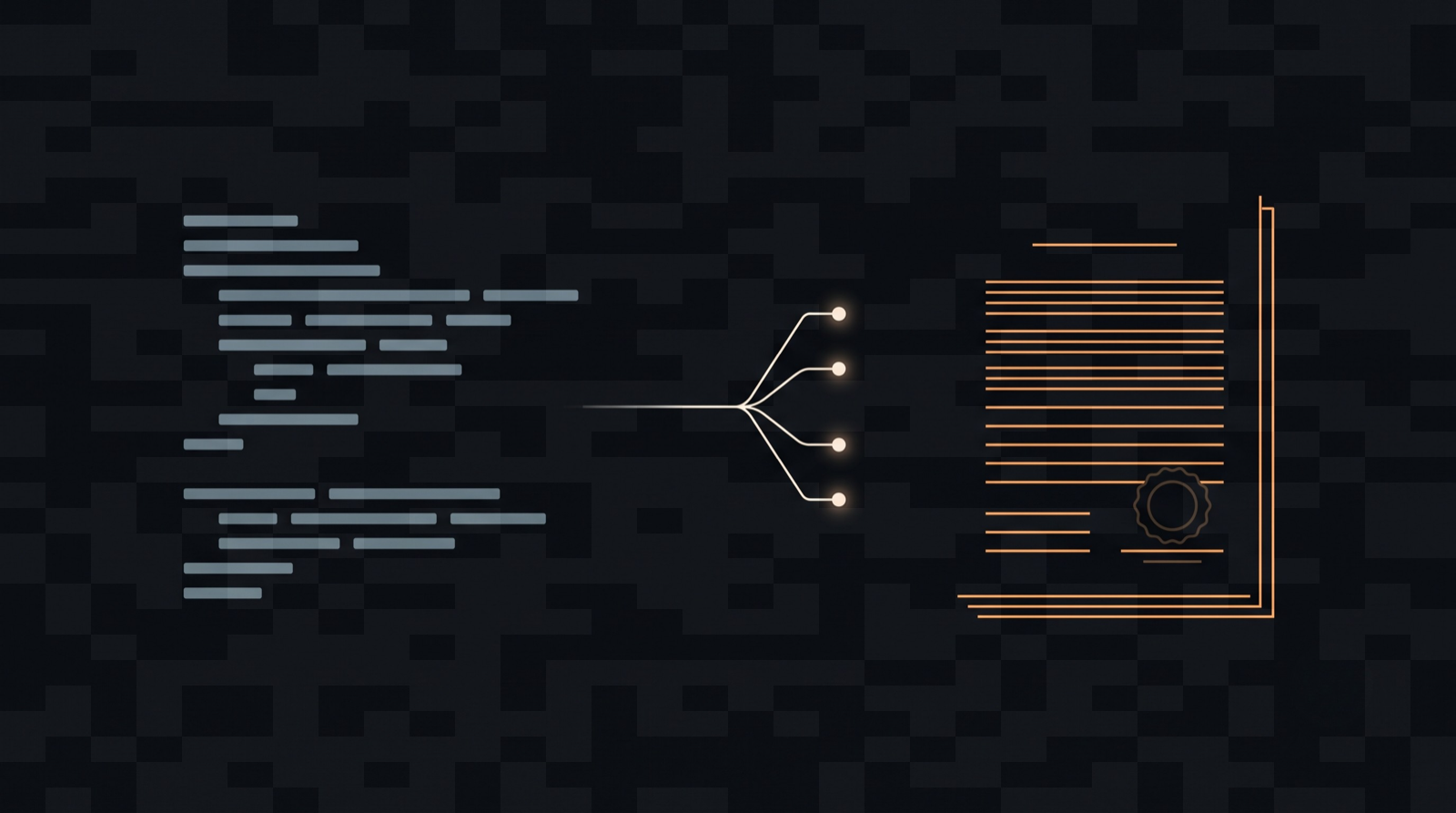 This image is AI-generated, and it is marked as such with our own tool: `legalithm mark --watermark` added a C2PA content credential and a pixel watermark, which is what Article 50(2) asks for. Download it and run `legalithm verify` on it. The credential is signed with the CLI's test certificate, so it is valid but not trust-listed.
## Quickstart
Install the offline server in your editor. No API key, and nothing leaves your machine.
```bash
claude plugin marketplace add legalithm-org/legalithm
claude plugin install legalithm@legalithm
```
Codex:
```bash
codex plugin marketplace add legalithm-org/legalithm
codex plugin add legalithm@legalithm
```
Cursor: use the **Add to Cursor** badge above.
Then ask your agent *"does the EU AI Act apply to this feature, and what tier?"*
This image is AI-generated, and it is marked as such with our own tool: `legalithm mark --watermark` added a C2PA content credential and a pixel watermark, which is what Article 50(2) asks for. Download it and run `legalithm verify` on it. The credential is signed with the CLI's test certificate, so it is valid but not trust-listed.
## Quickstart
Install the offline server in your editor. No API key, and nothing leaves your machine.
```bash
claude plugin marketplace add legalithm-org/legalithm
claude plugin install legalithm@legalithm
```
Codex:
```bash
codex plugin marketplace add legalithm-org/legalithm
codex plugin add legalithm@legalithm
```
Cursor: use the **Add to Cursor** badge above.
Then ask your agent *"does the EU AI Act apply to this feature, and what tier?"*
What comes back (real output, CV screening as the provider)
```json
{
"risk": "high",
"confidence": "high",
"rationale": "This AI system is classified as high-risk under Article 6(2) as it falls into the category of Employment, Workers Management and Access to Self-employment as specified in Annex III...",
"citations": [
{
"article": "6(2)",
"annex": "III",
"label": "Article 6(2) & Annex III - High-Risk AI Systems",
"url": "https://eur-lex.europa.eu/legal-content/EN/TXT/HTML/?uri=OJ:L_202401689#article-6",
"asOf": "2026-08-03",
"appliesFrom": "2027-12-02"
}
],
"matchedRules": ["high_risk_employment", "high_risk_domain_selected"],
"applicableDeadline": "2027-12-02",
"obligationsHint": {
"count": 10,
"topTitles": [
"Quality Management System (Article 17)",
"Data Governance (Article 10)",
"Technical Documentation (Article 11)",
"Human Oversight (Article 14)"
]
},
"confidenceScore": 0.72,
"reviewRequired": false
}
```
Note `matchedRules`, `asOf` and `confidenceScore`. You can see which rule fired, how old the corpus is, and how sure the engine was. Below the abstention threshold it sets `reviewRequired` and tells you to get a human instead of guessing.
Content marking for Article 50(2), also no key:
```bash
npm i -g legalithm
legalithm mark ./out.png --watermark # writes out.signed.png
legalithm verify ./out.signed.png # detect both layers
```
Install it rather than using `npx` for these two: C2PA and the watermark come from `c2pa-node` and `sharp`, which are optional native dependencies that `npx` does not reliably fetch. Without them `mark` warns and marks nothing. Everything else in this README works fine under `npx`.
### The compliance record (needs a free key)
```bash
npx legalithm setup # wires hooks, editor rule and MCP config
npx legalithm init # writes a dated, cited compliance/legalithm.json
npx legalithm check # re-verify; non-zero exit on drift (for CI)
```
`init` and `check` talk to the hosted record service, so they need a free API key. Everything above this line does not.
## Three surfaces
1. **Editor** — an offline MCP server (`legalithm-mcp-server`) exposing 4 tools (`classify`, `explain_obligation`, `generate_disclosure`, `check_record`). No API key. The first three run fully offline; `check_record` reads a public API.
2. **Repo** — `legalithm init` writes a dated, cited `compliance/legalithm.json` that records your AI system's risk tier and the obligations behind it.
3. **CI** — `legalithm check` and the GitHub Action fail the build when the committed record drifts — because your app changed or the law changed under you.
## MCP config
Add the offline server to Claude Code, Cursor or Codex manually:
```json
{
"mcpServers": {
"legalithm": {
"command": "npx",
"args": ["-y", "legalithm-mcp-server"]
}
}
}
```
## GitHub Action
```yaml
# .github/workflows/ai-act.yml
name: AI Act
on: [pull_request]
jobs:
ai-act:
runs-on: ubuntu-latest
steps:
- uses: actions/checkout@v4
- uses: legalithm-org/legalithm/packages/action@v1
with:
api-key: ${{ secrets.LEGALITHM_API_KEY }}
```
## Honest framing
**A cited starting point that tells you when to get a human — not legal advice.** When unsure, it flags the result for review instead of guessing. Every output is checked against Regulation (EU) 2024/1689; it is not a certification.
## Links
- Full docs: https://www.legalithm.com/en/developers/docs
- Landing: https://www.legalithm.com/en/developers
## License
MIT