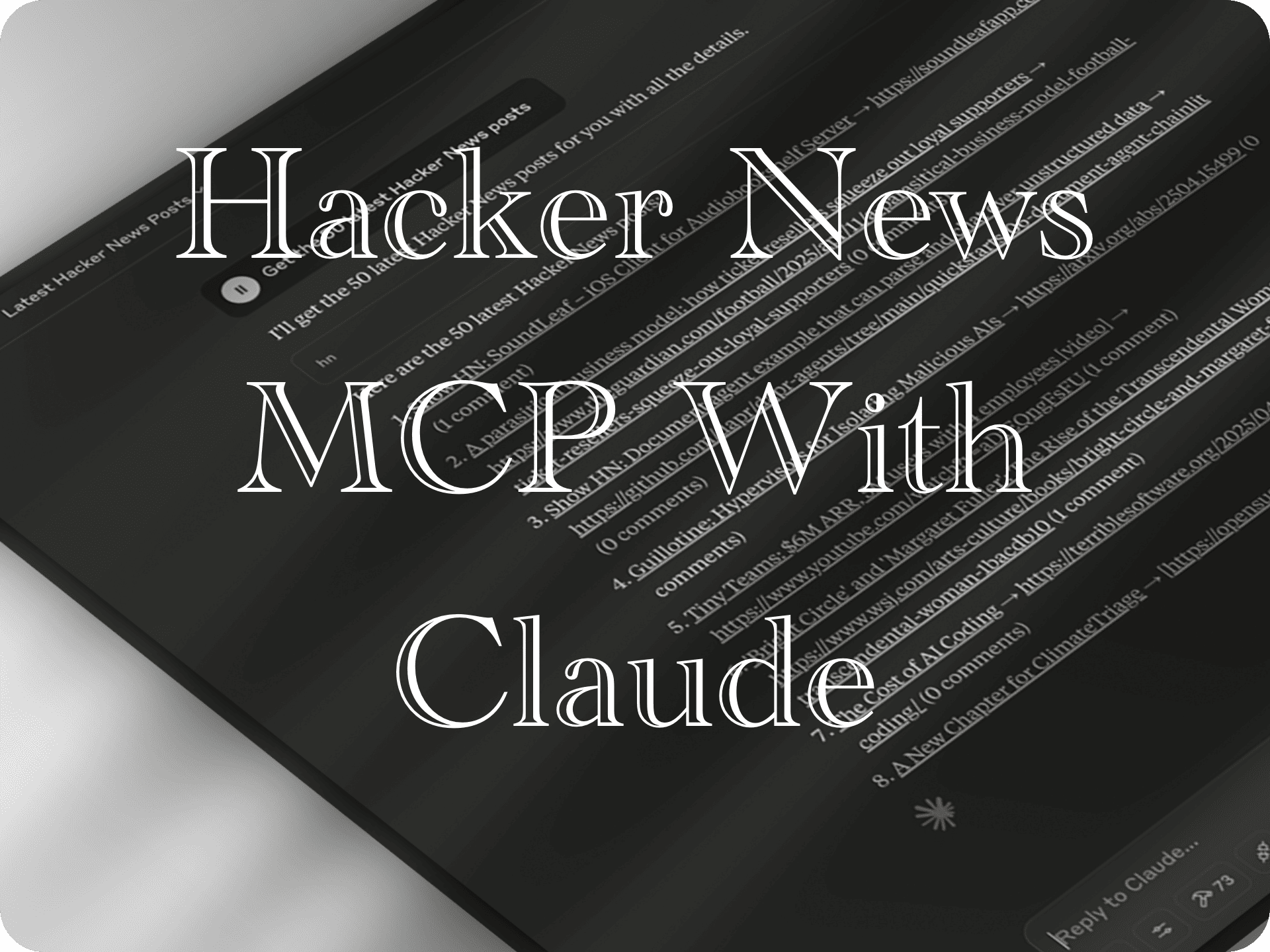
# imprvhub/mcp-claude-hackernews [Health: Active]
**Category:** 🔎 Search & Data Extraction
**Repository:** https://github.com/imprvhub/mcp-claude-hackernews
**GitHub Stars:** 10
**Views:** 2
**Installs:** 0
**Upvotes:** 0
**Directory Page:** https://allmcps.com/mcp/imprvhub-mcp-claude-hackernews
## Description
An integration that allows Claude Desktop to interact with Hacker News using the Model Context Protocol (MCP).
## Tools
Capabilities this server exposes over MCP:
- **hn_latest** — Get the most recent stories from Hacker News
- **hn_top** — Get the top-ranked stories from Hacker News
- **hn_best** — Get the best stories from Hacker News
- **hn_story** — Get detailed information about a specific story
- **hn_comments** — Get comments for a story
## Claude Desktop Quick Installation
Heuristic fallback — verify the package name and runner against the repository README before running it. Uses `npx` (confidence: low):
```json
"mcpServers": {
"mcp-claude-hackernews": {
"command": "npx",
"args": ["-y","imprvhub-mcp-claude-hackernews"]
}
}
```
## Documentation & README
# MCP Claude Hacker News
[](https://archestra.ai/mcp-catalog/imprvhub__mcp-claude-hackernews)
[](https://smithery.ai/server/@imprvhub/mcp-claude-hackernews)
An integration that allows Claude Desktop to interact with Hacker News using the Model Context Protocol (MCP).
## Features
- Browse latest stories from Hacker News
- View top and best-rated stories
- Get story details
- Read comments for stories
- Clean formatting of Hacker News content for better readability
## Demo
## Requirements
- Node.js 16 or higher
- Claude Desktop
- Internet connection to access Hacker News API
## Installation
### Installing Manually
1. Clone or download this repository:
```bash
git clone https://github.com/imprvhub/mcp-claude-hackernews
cd mcp-claude-hackernews
```
2. Install dependencies:
```bash
npm install
```
3. Build the project:
```bash
npm run build
```
## Running the MCP Server
There are two ways to run the MCP server:
### Option 1: Running manually
1. Open a terminal or command prompt
2. Navigate to the project directory
3. Run the server directly:
```bash
node build/index.js
```
Keep this terminal window open while using Claude Desktop. The server will run until you close the terminal.
### Option 2: Auto-starting with Claude Desktop (recommended for regular use)
The Claude Desktop can automatically start the MCP server when needed. To set this up:
#### Configuration
The Claude Desktop configuration file is located at:
- **macOS**: `~/Library/Application Support/Claude/claude_desktop_config.json`
- **Windows**: `%APPDATA%\Claude\claude_desktop_config.json`
- **Linux**: `~/.config/Claude/claude_desktop_config.json`
Edit this file to add the Hacker News MCP configuration. If the file doesn't exist, create it:
```json
{
"mcpServers": {
"hackerNews": {
"command": "node",
"args": ["ABSOLUTE_PATH_TO_DIRECTORY/mcp-claude-hackernews/build/index.js"]
}
}
}
```
**Important**: Replace `ABSOLUTE_PATH_TO_DIRECTORY` with the **complete absolute path** where you installed the MCP
- macOS/Linux example: `/Users/username/mcp-claude-hackernews`
- Windows example: `C:\\Users\\username\\mcp-claude-hackernews`
If you already have other MCPs configured, simply add the "hackerNews" section inside the "mcpServers" object. Here's an example of a configuration with multiple MCPs:
```json
{
"mcpServers": {
"otherMcp1": {
"command": "...",
"args": ["..."]
},
"otherMcp2": {
"command": "...",
"args": ["..."]
},
"hackerNews": {
"command": "node",
"args": [
"ABSOLUTE_PATH_TO_DIRECTORY/mcp-claude-hackernews/build/index.js"
]
}
}
}
```
The MCP server will automatically start when Claude Desktop needs it, based on the configuration in your `claude_desktop_config.json` file.
## Usage
1. Restart Claude Desktop after modifying the configuration
2. In Claude, use the Hacker News tools to interact with Hacker News
3. The MCP server runs as a child process managed by Claude Desktop
## Available Tools
The Hacker News MCP provides **5 specialized tools** for different functions:
| Tool | Description | Parameters | Example Usage |
|------|-------------|------------|---------------|
| `hn_latest` | Get the most recent stories from Hacker News | `limit`: Optional number of stories (1-50, default: 10) | Get 20 latest stories |
| `hn_top` | Get the top-ranked stories from Hacker News | `limit`: Optional number of stories (1-50, default: 10) | Get 15 top stories |
| `hn_best` | Get the best stories from Hacker News | `limit`: Optional number of stories (1-50, default: 10) | Get 25 best stories |
| `hn_story` | Get detailed information about a specific story | `story_id`: Required story ID (number) | Get story details by ID |
| `hn_comments` | Get comments for a story | `story_id`: Story ID (number) OR `story_index`: Index from last list (1-based) | Get comments by story ID or index |
### Tool Parameters Details
#### `hn_latest`, `hn_top`, `hn_best`
- **`limit`** (optional): Number of stories to fetch
- Type: Number
- Range: 1-50
- Default: 10
#### `hn_story`
- **`story_id`** (required): The ID of the story to fetch
- Type: Number
- Example: 12345678
#### `hn_comments`
- **`story_id`** (optional): The ID of the story to get comments for
- Type: Number
- Example: 12345678
- **`story_index`** (optional): The index of the story from the last fetched list
- Type: Number (1-based)
- Example: 3 (for the 3rd story in the last list)
*Note: For `hn_comments`, you must provide either `story_id` OR `story_index`*
## Example Usage
Here are various examples of how to use the Hacker News MCP with Claude:
### Direct Tool Usage:
```
"Use hn_latest to get 20 recent stories"
"Use hn_top with limit 15 to get top stories"
"Use hn_best to get 25 best stories"
"Use hn_story with story_id 29384756 to get story details"
"Use hn_comments with story_index 3 to get comments for the 3rd story"
"Use hn_comments with story_id 12345678 to get comments for that story"
```
### Natural Language Queries:
You can also interact with the MCP using natural language. Claude will interpret these requests and use the appropriate tools:
- "Show me the top 30 stories on Hacker News today"
- "What are the 40 latest posts on Hacker News?"
- "I'd like to see the 20 best articles from Hacker News"
- "Can you fetch me 30 recent tech news stories from Hacker News?"
- "Tell me what's the top 50 trending topics on Hacker News"
- "Show me 20 Hacker News stories about machine learning"
- "Get me the 40 most recent Hacker News headlines"
- "What are the 30 most active discussions on Hacker News right now?"
- "I'm interested in reading the 40 most popular Hacker News articles this week"
- "Show me a list of 20 best programming articles from Hacker News"
- "Get the comments for story number 5 from the last list"
- "Show me the details of story ID 12345678"
### Language Translation Requests:
You can request Hacker News content to be translated into different languages:
- "Show me the top 30 stories on Hacker News today in Spanish"
- "Get the 20 latest Hacker News posts and translate them to French"
- "I'd like to see the 40 best articles from Hacker News in German"
- "Show me 30 recent Hacker News stories translated to Japanese"
- "Get the top 20 Hacker News articles and present them in Portuguese"
## Troubleshooting
### "Server disconnected" error
If you see the error "MCP Hacker News: Server disconnected" in Claude Desktop:
1. **Verify the server is running**:
- Open a terminal and manually run `node build/index.js` from the project directory
- If the server starts successfully, use Claude while keeping this terminal open
2. **Check your configuration**:
- Ensure the absolute path in `claude_desktop_config.json` is correct for your system
- Double-check that you've used double backslashes (`\\`) for Windows paths
- Verify you're using the complete path from the root of your filesystem
3. **Try the auto-start option**:
- Set up the auto-start script for your operating system as described in the "Setting up auto-start scripts" section
- This ensures the server is always running when you need it
### Tools not appearing in Claude
If the Hacker News tools don't appear in Claude:
- Make sure you've restarted Claude Desktop after configuration
- Check the Claude Desktop logs for any MCP communication errors
- Ensure the MCP server process is running (run it manually to confirm)
- Verify that the MCP server is correctly registered in the Claude Desktop MCP registry
### Checking if the server is running
To check if the server is running:
- **Windows**: Open Task Manager, go to the "Details" tab, and look for "node.exe"
- **macOS/Linux**: Open Terminal and run `ps aux | grep node`
If you don't see the server running, start it manually or use the auto-start method.
## Contributing
Contributions are welcome! Please feel free to submit a Pull Request.
## License
This project is licensed under the Mozilla Public License 2.0 - see the [LICENSE](https://github.com/imprvhub/mcp-claude-hackernews/blob/main/LICENSE) file for details.
## Related Links
- [Model Context Protocol](https://modelcontextprotocol.io/)
- [Hacker News API](https://github.com/HackerNews/API)
- [Claude Desktop](https://claude.ai/download)
- [MCP Series](https://github.com/mcp-series)