` | revert a range or actor label; append-only, conflict-aware |
| **Restore** | `argon restore preview/reset/branch` | rewind a released branch or fork retained history |
| **Data PRs** | `argon merge preview/apply` | three-way merges as reviewable plans; conflicts never silent |
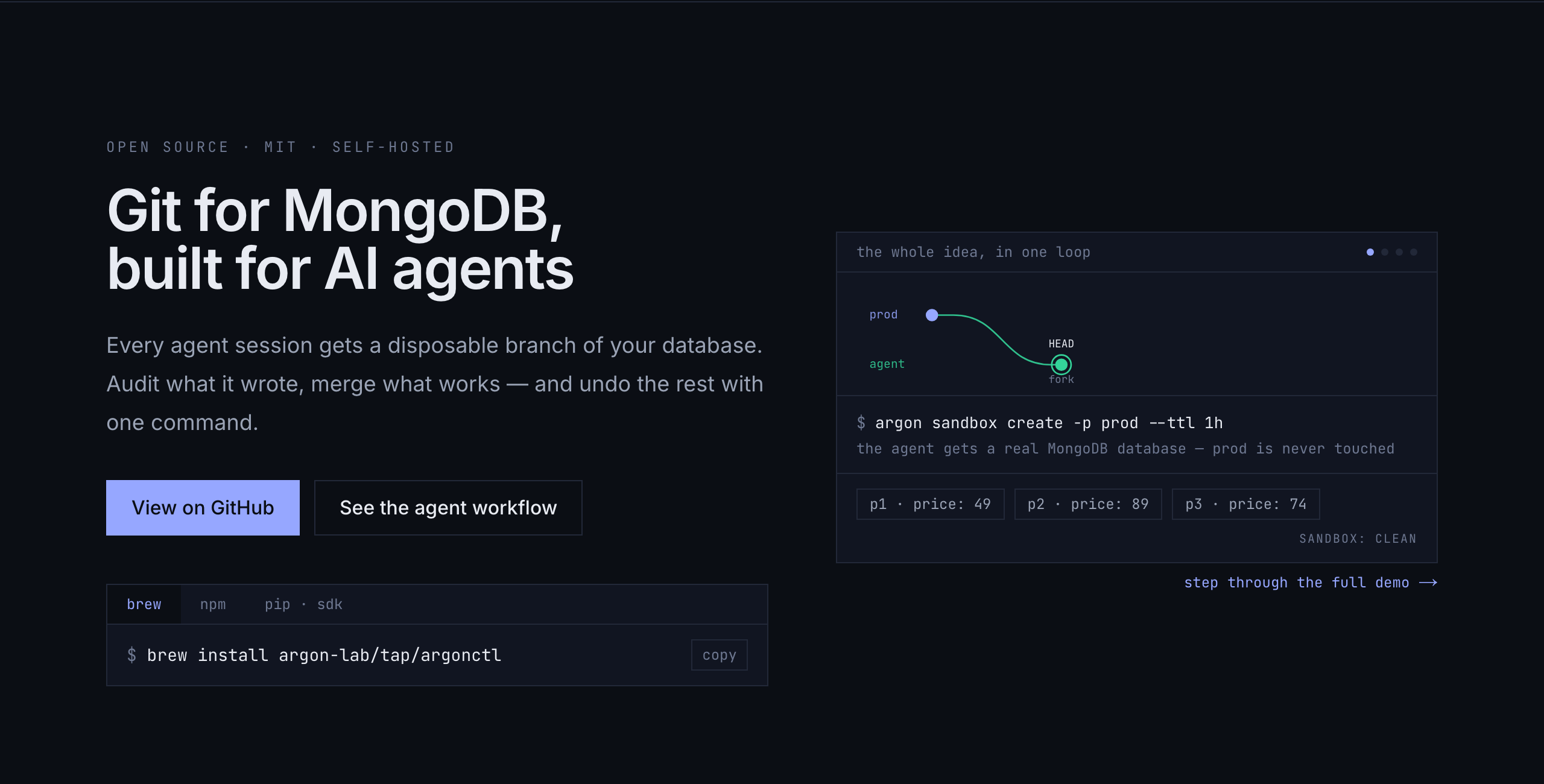
| **Sandboxes** | `argon sandbox create --ttl 1h` | fork + checkout + TTL in one step — disposable agent workspaces |
| **Dataset pins** | `argon pin create` / `pin sandbox` | named captured states protected from GC and resets while the pin exists |
| **Web console** | `argon console` | local UI + REST API in one command |
Data history covers document inserts, updates, replacements and deletes. Collection
drop/rename produces degraded capture; indexes and collection options are not
versioned. Native writes are asynchronous; control operations drain capture.
Stop writers before release. Existing pins protect their referenced states, while GC can expire audit
and undo history. See [operations](https://github.com/argon-lab/argon/blob/HEAD/docs/OPERATIONS.md) for recovery and credentials.
Storage retention uses snapshots + retention-window GC to keep state plus a
window of history, not every write forever. Details and the consistency
model, stated honestly: [ARCHITECTURE.md](https://github.com/argon-lab/argon/blob/HEAD/docs/ARCHITECTURE.md).
## For AI agents
```bash
claude mcp add argon -- argon mcp # 13 tools: sandbox, diff, merge, undo, pins
# Install the v0.2.0 release wheel; PyPI currently has the older v0.1.0 API.
python3 -m pip install 'argon-agents[langgraph] @ https://github.com/argon-lab/argon-agents/releases/download/v0.2.0/argon_agents-0.2.0-py3-none-any.whl'
```
Start `argon console --no-browser` in another terminal, then:
```python
from argon_agents import ArgonClient, ArgonCheckpointSaver
argon = ArgonClient("http://127.0.0.1:1818")
argon.get_or_create_project("myapp")
saver = ArgonCheckpointSaver.from_sandbox(argon, "myapp")
# Compile and run your LangGraph graph with checkpointer=saver, then review:
plan = argon.merge_preview("myapp", saver.sandbox.branch)
print(plan)
# After reviewing this exact plan, apply it explicitly:
# argon.merge_apply(plan["id"])
# Or reject the run: saver.discard()
argon.create_pin("myapp", "eval-v1") # pin the dataset once
run = argon.sandbox_from_pin("myapp", "eval-v1") # identical state, every eval run
```
`saver.merge()` is a convenience call that previews and applies immediately;
use the separate calls above when approval is required. Pins protect captured
document state while they exist; keep independent backups.
The full agent workflow: [docs/AGENTS.md](https://github.com/argon-lab/argon/blob/HEAD/docs/AGENTS.md).
## Documentation
| | |
|---|---|
| [Quick start](https://github.com/argon-lab/argon/blob/HEAD/docs/QUICK_START.md) | install → first merge, step by step |
| [CLI reference](https://github.com/argon-lab/argon/blob/HEAD/docs/CLI.md) | every command |
| [Agents](https://github.com/argon-lab/argon/blob/HEAD/docs/AGENTS.md) | sandboxes, pins, MCP, REST API, argon-agents, proxy |
| [Architecture](https://github.com/argon-lab/argon/blob/HEAD/docs/ARCHITECTURE.md) | how it works and what it guarantees |
| [Operations](https://github.com/argon-lab/argon/blob/HEAD/docs/OPERATIONS.md) | deployment, chunk stores (S3/FS), GC, v1→v2 migration |
| [Performance](https://github.com/argon-lab/argon/blob/HEAD/docs/PERFORMANCE.md) | every number lives in the [reproducible benchmarks](https://github.com/argon-lab/benchmarks) — none here, by policy |
## Community
[Issues](https://github.com/argon-lab/argon/issues) ·
[Discussions](https://github.com/argon-lab/argon/discussions) ·
[Contributing](https://github.com/argon-lab/argon/blob/HEAD/CONTRIBUTING.md) ·
[argonlabs.tech](https://argonlabs.tech) · [Blog](https://argonlabs.tech/blog)
---
**Give your MongoDB a time machine. Branch without fear.** ⭐